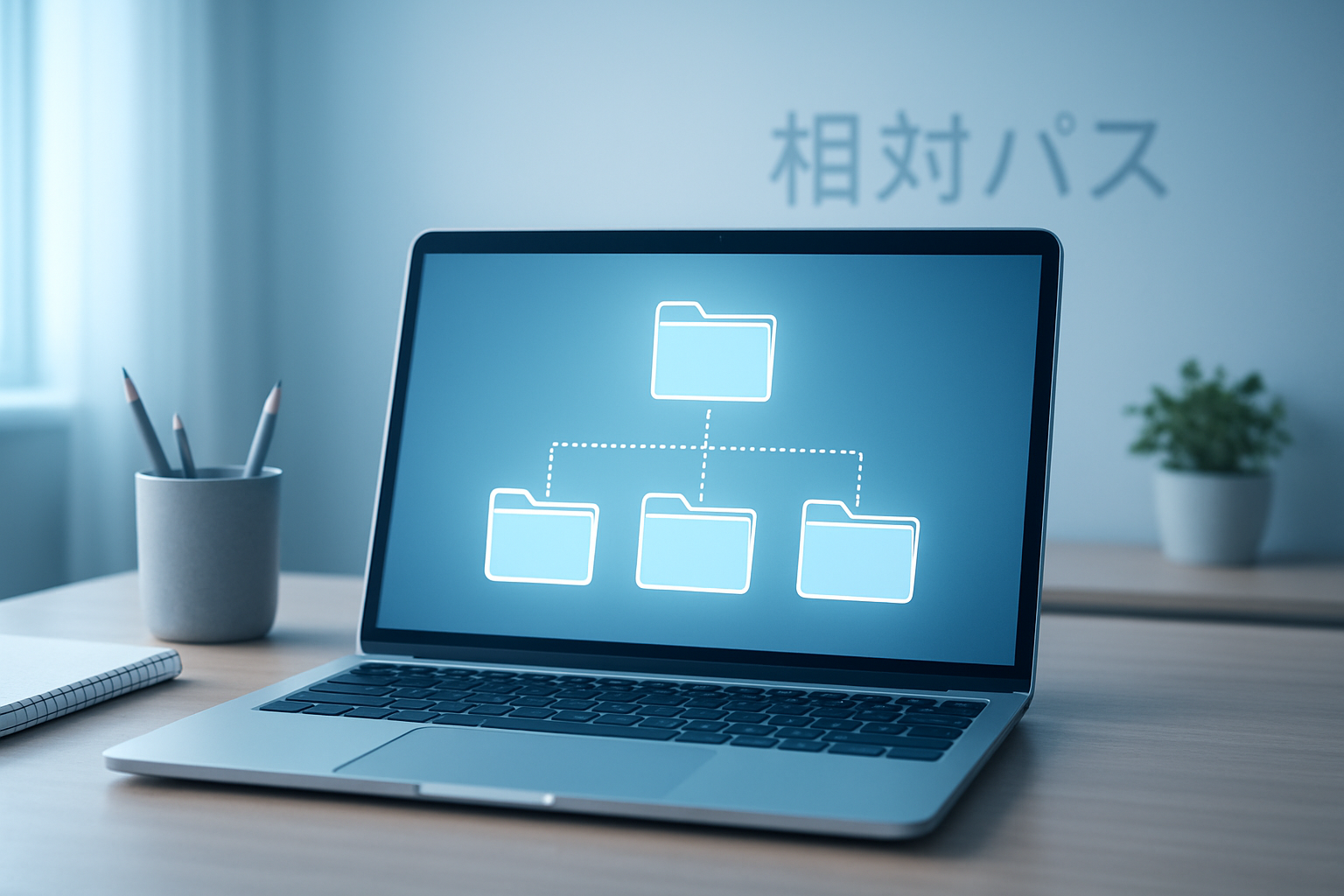
The word soutaipasu (相対パス) may sound unusual at first, but it is an important term in the world of computers and programming. In Japanese, soutaipasu means “relative path.” It is a simple way to tell a computer where to find a file, without writing the full address.
Imagine you are at home and want to tell your friend how to get to the kitchen. You could say the entire address of your house every time, or you could just say, “Go down the hallway and turn right.” That second way is much easier — and that’s exactly what soutaipasu does.
In this article, you’ll learn what soutaipasu means, how it works, why it’s important, and how it helps beginners understand computers better. Everything will be explained in simple words, so anyone — even a 10-year-old — can understand it clearly.
What Does Soutaipasu Mean?
The Japanese word soutaipasu (相対パス) is made of two parts:
- 相対 (soutai) means “relative.”
- パス (pasu) comes from the English word “path.”
Together, they form “relative path.” It’s used in computing to describe a way to find one file from another file’s position.
For example, if your computer is inside a folder called Projects, and inside that you have another folder called Images, you might want to open a file named photo.png. Instead of typing a long full address like:
C:/Users/Me/Projects/Images/photo.png
you can simply write:
Images/photo.png
That shorter way is the soutaipasu — the relative path.
Why Soutaipasu Is Useful
The idea of soutaipasu is simple but powerful. It helps computers and people save time and avoid mistakes.
Here’s why it’s so useful:
- Easier to Move Files:
When you move a folder to another computer or location, relative paths still work as long as the folder structure stays the same. - Simpler to Read and Type:
You don’t need to write long file addresses every time. - Great for Team Projects:
When people share the same project, relative paths make sure files still connect correctly, no matter where each person saves them. - Keeps Your Work Organized:
By thinking in relative paths, you learn to keep your folders tidy and easy to understand.
So, soutaipasu isn’t just a technical word — it’s a way to make digital life easier and cleaner.
How Soutaipasu Works
Think of soutaipasu as giving directions based on where you currently are. The computer looks at the current folder and follows your instructions step by step.
For example:
- If you’re inside a folder called
Website, and there’s an image in a sub-folder calledimages/banner.png, your soutaipasu is simply:images/banner.png - If you’re in
Website/pagesand want to go up one folder and then open that same image, your soutaipasu would be:../images/banner.png(The “../” means “go up one folder.”)
This way, the computer knows how to reach the target file without needing the full address.
Soutaipasu vs. Zettai Pasu
In Japanese computing, there are two types of paths:
- Soutaipasu (相対パス) — the relative path.
- Zettai pasu (絶対パス) — the absolute path.
Here’s a quick comparison:
| Feature | Soutaipasu (Relative Path) | Zettai Pasu (Absolute Path) |
|---|---|---|
| Based on | Current folder | Root of the system |
| Example | images/pic.png | C:/Users/Me/Website/images/pic.png |
| Moves with folder? | Yes | No |
| Easier to type? | Yes | No |
| Good for teamwork? | Yes | Not always |
Soutaipasu is best when you’re working on a project that might move or be shared. Zettai pasu is better for fixed system locations that never change.
Why Beginners Should Learn Soutaipasu First
Learning about soutaipasu teaches more than just how to type a file address. It builds good habits about how to organize and think logically. Here’s why it’s great for new learners:
- Builds Structure Awareness:
You start to understand how folders and files live inside each other like boxes within boxes. - Encourages Good Organization:
Keeping related files in neat folders helps soutaipasu work smoothly. - Helps You Avoid Mistakes:
When you learn how paths work, you make fewer broken links or “file not found” errors. - Improves Problem Solving:
You learn to trace paths and figure out where something went wrong.
Even professional developers use soutaipasu daily — so learning it early gives you a strong foundation.
Simple Example to Understand Soutaipasu
Let’s take an easy example:
- You create a folder called MyWebsite.
- Inside it, you create two folders: images and pages.
- Inside images, you put a picture called logo.png.
- Inside pages, you make a file called index.html (a website page).
Now, in your index.html, if you want to show the logo, you can write:
<img src="../images/logo.png" alt="My Logo">
This line uses soutaipasu. It says: “Go up one folder (..), then into the images folder, and open logo.png.”
If you move the entire MyWebsite folder to another computer, this link will still work perfectly — that’s the magic of soutaipasu!
Common Mistakes When Using Soutaipasu
Even though soutaipasu is easy, beginners sometimes make small errors. Here are the most common ones:
- Starting from the Wrong Folder:
The path is always based on where you currently are, not where you think you are. - Too Many “../” Levels:
If you go up too many folders, it can get confusing. Keep folder structures simple. - Wrong File Names:
Paths are sensitive — if you writePhoto.pnginstead ofphoto.png, it might not work on all systems. - Mixing Forward and Backslashes:
On some computers (like Windows), the backslash\is used. On others (like Linux and Mac), the forward slash/is used. Be consistent. - Forgetting File Extensions:
Always include.png,.jpg,.html, etc., or the computer won’t know what you’re asking for.
Best Practices for Soutaipasu
To make the most of soutaipasu, follow these good habits:
- Use Clear Folder Names:
Instead of “stuff” or “images1,” use meaningful names like “product_images” or “icons.” - Keep Project Structure Flat:
Avoid having too many folders inside folders. - Test After Moving Files:
Whenever you move something, open your project to make sure the links still work. - Use Soutaipasu for Internal Links:
Use it for images, scripts, stylesheets, and other project files that stay together. - Document Your Structure:
Keep a small note describing how your folders are organized — it helps you and your team.
Why Soutaipasu Is a Smart Habit
Using soutaipasu is not just about saving time; it’s about thinking smart. When you work on projects, you’ll notice:
- It keeps your files portable (you can move them easily).
- It reduces errors (fewer broken links).
- It helps you collaborate better with others.
- It teaches you how computers think about locations and relationships.
By using soutaipasu daily, you train your brain to think logically and organize information in a structured way.
Fun Activity to Practice Soutaipasu
Here’s a small practice you can try:
- Create a folder called
MyGame. - Inside it, create folders:
images,sounds, andlevels. - Put one file in each:
images/hero.pngsounds/jump.wavlevels/level1.txt
- Create another file called
game.htmlinsideMyGame. - Try linking each file using soutaipasu:
<img src="images/hero.png"> <audio src="sounds/jump.wav"> <a href="levels/level1.txt">Open Level 1</a>
Now, if you move the entire MyGame folder to another computer, every link will still work perfectly. You just learned how soutaipasu keeps your project safe and functional.
Why Soutaipasu Is Taught in Schools
In Japan and around the world, teachers often introduce soutaipasu early in computer science classes. It’s not just a technical skill — it helps students:
- Learn logical thinking
- Understand how computers navigate files
- Build a foundation for web design and programming
By starting with soutaipasu, students can grasp how all digital systems are connected by paths and links.
Conclusion
The concept of soutaipasu may sound small, but it holds great importance in computing. It teaches the power of thinking relatively — understanding that location and structure matter. By using soutaipasu, you make your projects easier to manage, simpler to move, and friendlier to share.
From websites to games to software, soutaipasu helps everything stay connected. It keeps projects tidy and avoids broken links. Most importantly, it teaches you how to think clearly and stay organized — both on the computer and in life.
So remember:
When you want to tell your computer where something is, you don’t always need the full address. Just use soutaipasu — the smart, simple way to say “go from here to there.”
You Might Also READ DPSIT Digital Platform for Smart Information and Technology Explained